
All posts
Tips from a BodyBuddy member who lost 86 lbs
Tips from a BodyBuddy member who lost 86 lbs, in their own words: how to lose weight with AI through clear goals, logging, restaurant help and therapy.
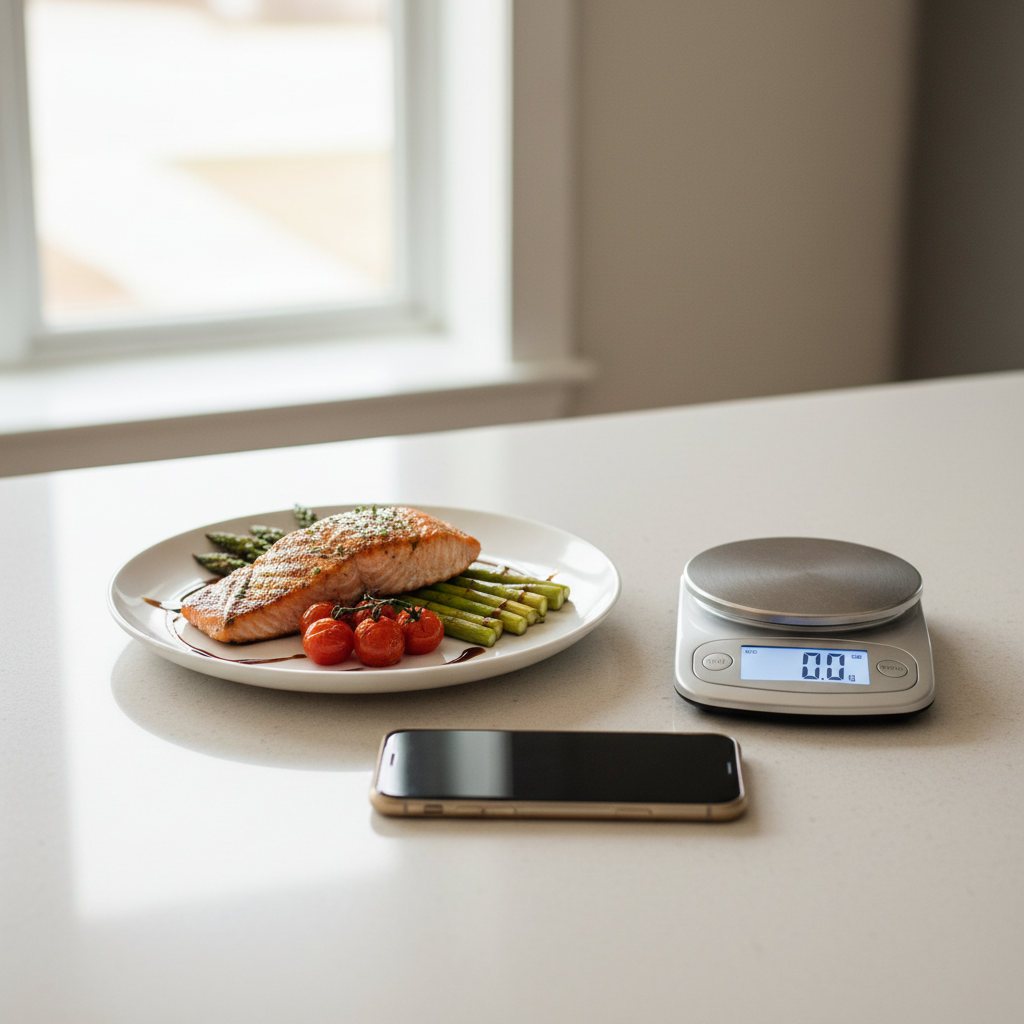
A BodyBuddy member is down 86 pounds. We asked what they would tell someone just starting to use BodyBuddy, and they sent a list of tips.
If you want to know how to lose weight with AI, these come from someone who used an AI coach along the way. Many things went into their result. BodyBuddy was one thing they used.
BodyBuddy is an AI coach you text. Every day you commit to what you are doing for your health that day, and it texts you to hold you accountable, to make sure you actually did it, even on the bad days.
1. Be clear about specific goals
"I think being clear about specific goals, both daily and incremental milestones."
A vague goal is hard to check. A specific one gives the AI something to hold you to.
Tell it both: what you are committing to today, and the next milestone you are working toward. For example, you could text:
"Today I'm committing to a 20 minute walk after lunch and cooking dinner at home."
2. Record consistently
"Obviously recording consistently."
The AI can only help with what it knows about. With BodyBuddy, recording means texting: send a photo of a meal and it logs it.
3. Ask for help at the end of the day
"Ask for help at the end of the day to achieve daily goals, e.g. getting daily protein goal within calorie limit."
This is the tip we like most, because it uses the AI for something a paper food log cannot do. By the evening, you may have one meal left and goals you have not hit yet.
So ask, before the last meal instead of after it. The right numbers for you are a question for your doctor. For example, you could text:
"I still have dinner left. What could I eat tonight that keeps me inside the goals I set this morning?"
4. Get help with restaurant meals
"Getting advice when choosing from a restaurant menu or requesting meal modifications."
"Provide photos of restaurant meals."
Ask BodyBuddy to help you choose from the menu, or what changes to ask the kitchen for. When the food arrives, text a photo of the plate and it logs it. For example, you could text:
"Here's the menu. Which two options fit what I committed to today, and what should I ask them to change?"
5. Give it better information
"Provide the AI with a photo of the nutritional label if possible. Weigh your food to get better nutritional estimates."
An AI estimate is only as good as what you give it. If the food comes in a package, send a photo of the nutrition label and BodyBuddy logs it.

6. Track exercise next to food
"Use it to track daily exercise goals alongside nutritional goals."
Put both in the same daily commitment, so BodyBuddy checks on both. For example, you could text:
"Today: strength workout in the morning, and staying inside my food goals."
7. Tell it when something is not working
"If it ever starts doing something you don't like, or if something it was doing before is no longer wanted or needed, tell it so."
What works for you can change. If a check-in comes at a time that does not work, say so. When you tell BodyBuddy to stop or change something, it adapts.
8. Embrace therapy
"And if significant weight loss is needed, embrace therapy as a complementary part of the process."
"Weight loss is a journey and can be very tied to mental health, so there's no single right way to support a person going through that. So you have to advocate for what you want vs don't at different stages of that process. That's very informed by therapy."
Therapy is a different kind of help from anything BodyBuddy does. BodyBuddy does not diagnose or treat anything.
It ties back to tip 7: what you need can change from stage to stage, and you are the one who has to say so.
9. Send feedback through the chat
"Also use the bot to communicate issues and suggestions with HQ."
HQ is what members call the team at BodyBuddy, the company. Tell BodyBuddy about a problem or a suggestion and it flags it to them. For example, you could text:
"Something seems off with how my last meal was logged. Can you flag it to HQ?"
What these tips have in common
Almost every tip is about telling the AI more, or asking it more, every day.
We think that is the most practical answer to how to lose weight with AI. You do the work. The AI gives you a place to commit each day and checks whether you followed through. We wrote more about why that matters in the psychology of accountability. If you are still choosing a tool, our list of AI weight loss apps is a place to start.
Before you start
These are one person's tips and one person's result. Results vary, and nothing here promises you will lose weight.
If you have a lot of weight to lose, involve a doctor. This post is not medical advice.
FAQ
Can you lose weight with an AI coach?
An AI coach can help you follow through. With BodyBuddy, you commit each day to what you are doing for your health, and it texts you to check you did it. Results vary, and no app can promise a result.
Is there a person behind the chat?
No. BodyBuddy is fully AI. If you tell it about a problem or a suggestion, it flags it to the team at BodyBuddy, which members call HQ.
Do I need to weigh my food?
No. Weighing it gives the AI better estimates, and so does a photo of the nutrition label when there is one.
Can BodyBuddy replace my doctor or therapist?
No. BodyBuddy does not diagnose or treat anything. When significant weight loss is needed, the member recommends therapy as part of the process.
Try one tip tonight
Pick tip 3. Tonight, before your last meal, text your AI coach what you committed to today and ask what would help you finish the day on track. If you do not have one yet, you can start with BodyBuddy here.
Related BodyBuddy guides
- Accountability Partner vs. Accountability App: Which One Actually Helps You Lose Weight?
- How to Take Progress Photos for Weight Loss (and Actually Compare Them)
- Best Weight Loss Accountability Apps (2026): 7 Compared
- The psychology of accountability: the key to adherence, and how AI can bring it to everyone
- Simple App Alternative: BodyBuddy vs Simple (2026)
Everyone gives you a plan.BodyBuddy texts you until it happens.
BodyBuddy keeps you on track—from meals to doctor's appointments and everything in between.