
All posts
7 best meal planning apps for weight loss (2026)
A practical BodyBuddy guide to 7 best meal planning apps for weight loss (2026), with useful considerations and next steps.
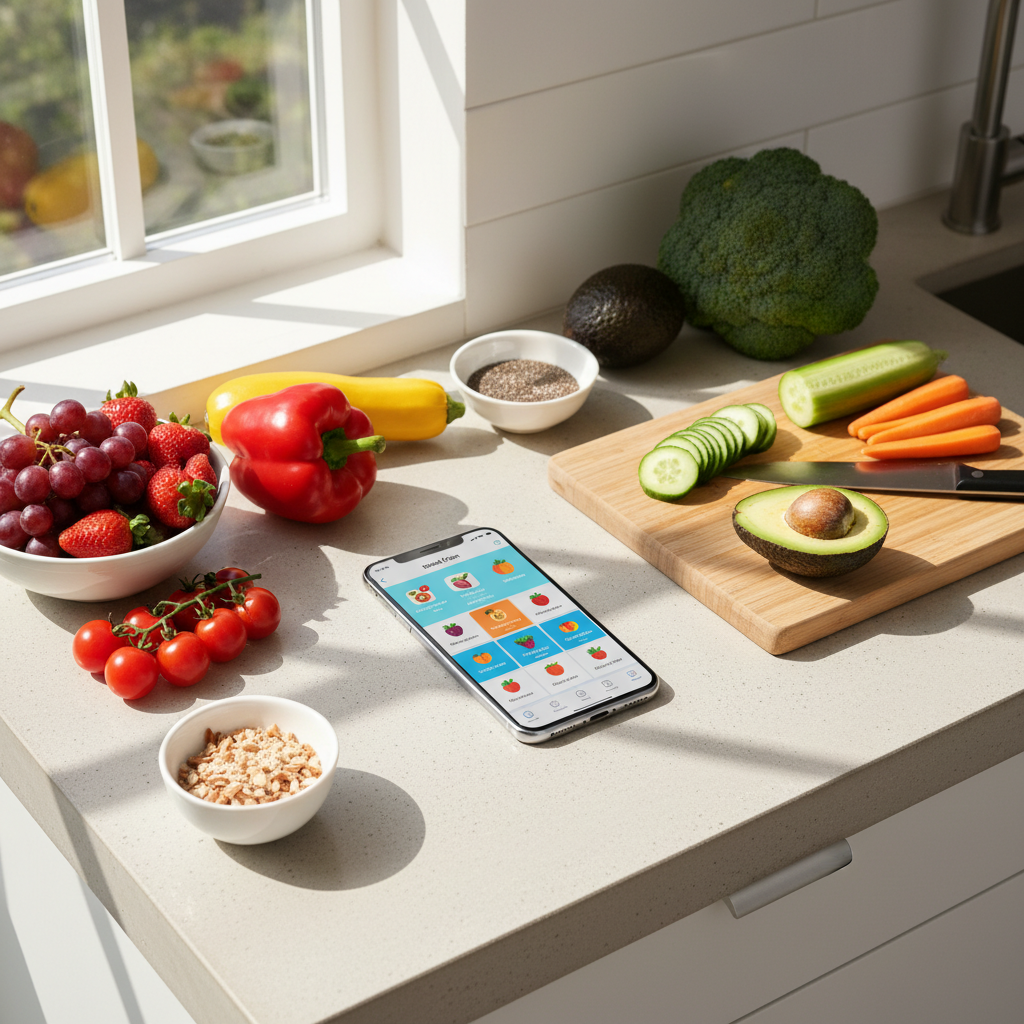
Most meal planning apps do one thing well: give you recipes. But if you are trying to lose weight, recipes alone do not cut it. You need an app that connects what you eat to why you eat it, helps you build a grocery list you will actually use, and ideally does not charge you $15 a month for the privilege of looking at pictures of quinoa bowls.
I tested over a dozen meal planning apps over the past few months, paying for premium tiers where necessary, and narrowed it down to seven that are genuinely worth your time if weight loss is the goal. Some are free, some are not. A couple surprised me. Here is what I found.
What to look for in a meal planning app
Before jumping into the list, a few things matter more than others when you are specifically trying to lose weight (not just "eat healthier" in some vague way):
- Calorie and macro awareness. The app should make it easy to see what you are eating without turning every meal into a math problem.
- Grocery list integration. If the app generates a plan but you still have to manually write out what to buy, it is adding work rather than removing it.
- Flexibility. Rigid meal plans fall apart by Wednesday. Good apps let you swap meals without blowing up your daily targets.
- Realistic recipes. If every recipe takes 45 minutes and 14 ingredients, you will order takeout instead. The best apps know this.
1. Eat This Much
Best for: automated calorie-based meal plans
Price: $29.99/month
Eat This Much is the closest thing to a "set it and forget it" meal planner. You enter your calorie target, macros, diet type (keto, vegan, paleo, whatever), and foods you hate. The app generates a full day of meals that hits your numbers.
What makes it stand out is the automation. Most apps give you a recipe database and say "figure it out." Eat This Much actually builds complete daily plans around your calorie goal. It will even generate a grocery list for the week.
The downside: recipe quality is hit or miss. Some suggestions are more "functional fuel" than "something you would look forward to eating." And the free version limits you to one meal per day of planning, which is not particularly useful.
Still, if you want a meal plan that is mathematically dialed in to your weight loss calories, this is the most hands-off option available.
2. Mealime
Best for: fast, simple recipes on a budget
Price: free, $29.99/month for pro
Mealime gets you from "I have no idea what to cook" to "dinner is ready" in under 30 minutes. Every recipe in the app is designed to be quick, and the grocery lists are organized by store section, which is a small touch that saves real time.
For weight loss specifically, the pro version ($29.99/month) unlocks calorie preferences and nutrition info. The free version does not show nutritional data at all, which is a significant gap if you are tracking intake.
The recipe selection skews healthy but is not huge. If you are someone who gets bored eating the same rotation of meals, you might run through the library faster than you would like. But for the price, it is hard to beat for basic meal planning with weight loss in mind.
3. PlateJoy
Best for: highly personalized plans with grocery delivery
Price: $29.99/month
PlateJoy asks you a detailed questionnaire about your goals, dietary restrictions, household size, cooking skill level, and time constraints. Then it builds a weekly plan tailored to all of that. It syncs with Fitbit and Apple Health, and you can send your grocery list straight to Instacart.
The personalization is genuinely good. It accounts for things like "I only have 20 minutes on weeknights" and adjusts accordingly. Full nutrition data is available for every recipe.
The catch is the price. At $29.99 a month, it is one of the more expensive meal planning apps. And while the plans are customized, you are still working from PlateJoy's recipe database rather than your own favorites. If you already have go-to meals you like, the rigid structure can feel limiting.
Worth it if you want someone (or something) to just tell you what to eat and make it easy to get the ingredients. Less useful if you are a confident cook who just needs calorie tracking.

4. Yummly
Best for: recipe discovery with nutritional filtering
Price: free, Yummly Pro $29.99/month
Yummly has one of the largest recipe databases of any meal planning app, and its search filters are genuinely useful. You can filter by calories, nutrients, diet type, cook time, and ingredients you want to use up. The "use what you have" feature is great for reducing food waste and sticking to your grocery budget.
The meal planning feature (available in Pro) lets you drag recipes into a weekly calendar and generates a shopping list. Nutritional info is displayed for each recipe, so you can eyeball whether your day is on track.
Where Yummly falls short for weight loss: it does not set calorie targets or track your intake over time. It is a planning tool, not a tracking tool. You will need to pair it with a separate calorie tracker if you want to monitor your daily totals, which adds friction.
The free version is surprisingly functional for recipe browsing, but meal planning requires Pro.
5. Lose It!
Best for: combining meal planning with calorie tracking
Price: free basic, $9.99/month premium
Lose It! is primarily a calorie tracking app, but its meal planning features have gotten strong enough to earn a spot here. The app sets a daily calorie budget based on your weight loss goal and timeline, then lets you log meals and scan barcodes to track intake.
The meal planning angle comes from its recipe database and "meal suggestions" feature, which recommends meals that fit within your remaining daily calories. Premium adds meal planning for the full week and more detailed nutrient breakdowns.
What I like about Lose It! for weight loss specifically is that it closes the loop. You are not just planning meals in a vacuum -- you are planning them against a calorie target and then tracking whether you actually stuck to it. That feedback loop matters.
The meal planning itself is less sophisticated than dedicated planning apps like Eat This Much or PlateJoy. But if you want one app that handles both planning and tracking, Lose It! does the job without being overwhelming.
6. BodyBuddy
Best for: meal planning with AI coaching support
Price: $29.99/month
Here is what most meal planning apps get wrong: they assume the hard part is finding recipes. It is not. The hard part is sticking with the plan when Thursday rolls around and you are tired and the leftover pizza is right there.
BodyBuddy takes a different approach by pairing meal planning guidance with AI coaching through iMessage. You get an AI coach that checks in with you daily, helps you adjust your plan when life gets in the way, and keeps you accountable in a way that no algorithm-only app can match. It's not a human on the other end, but the AI is surprisingly good at adapting to your routine and calling you out when you slip.
The app does not just hand you a static meal plan. Your coach works with you to build eating habits that fit your actual life -- your schedule, your cooking ability, your budget, your preferences. When something is not working, you adjust it together rather than staring at a screen wondering why you fell off track again.
This matters for weight loss because the failure point is almost never "I did not know what to eat." It is "I knew what to eat but did not do it." Having someone in your corner who notices when you go quiet and reaches out -- that is the piece most apps are missing.
The tradeoff is that BodyBuddy is not a recipe database app. You will not find thousands of recipes with step-by-step photos. What you get instead is a coach who helps you figure out a sustainable approach to food that actually leads to results. For a lot of people, that is worth more than another recipe collection.
7. MealPrepPro
Best for: batch cooking and weekly prep
Price: free, $29.99/month for premium
If your weight loss strategy revolves around meal prepping (cooking in bulk on Sunday so you have grab-and-go meals all week), MealPrepPro is built specifically for that workflow.
The app organizes recipes by how well they store and reheat, which sounds minor but matters a lot in practice. Nobody wants to meal prep a salad that turns to mush by Tuesday. Recipes include prep time, cook time, and storage instructions.
Calorie and macro info is available for every recipe, and you can filter by dietary preference. The grocery list feature consolidates ingredients across all your planned meals, accounting for quantities.
The limitation is scope. MealPrepPro is focused on prep-style cooking, so if you want variety throughout the week or prefer cooking fresh meals some nights, you will find the app too narrow. But for dedicated meal preppers, it is the most purpose-built option out there.
Which app is right for you?
It depends on where you get stuck.
If your problem is not knowing what to eat, Eat This Much or PlateJoy will hand you a complete plan with minimal effort on your part.
If your problem is staying consistent, BodyBuddy is the only app on this list with an AI coach that will actually hold you accountable through daily text check-ins and help you adapt when things go sideways.
If your problem is tracking intake, Lose It! combines planning and logging in one place.
If your problem is time, Mealime and MealPrepPro are built for people who need fast, practical solutions.
And if your problem is finding recipes you actually want to cook, Yummly has the deepest library with the best search filters.
Most people trying to lose weight do not fail because of bad meal plans. They fail because nobody helps them stick with the plan when motivation fades. Keep that in mind when choosing your app -- the best one is the one you will actually use three months from now, not just this week.
Everyone gives you a plan.BodyBuddy texts you until it happens.
BodyBuddy keeps you on track—from meals to doctor's appointments and everything in between.